Editing · 3 min read
AI Editing Studio
Remove objects, replace backgrounds and inpaint regions with prompt-level control.
Noetic Editorial
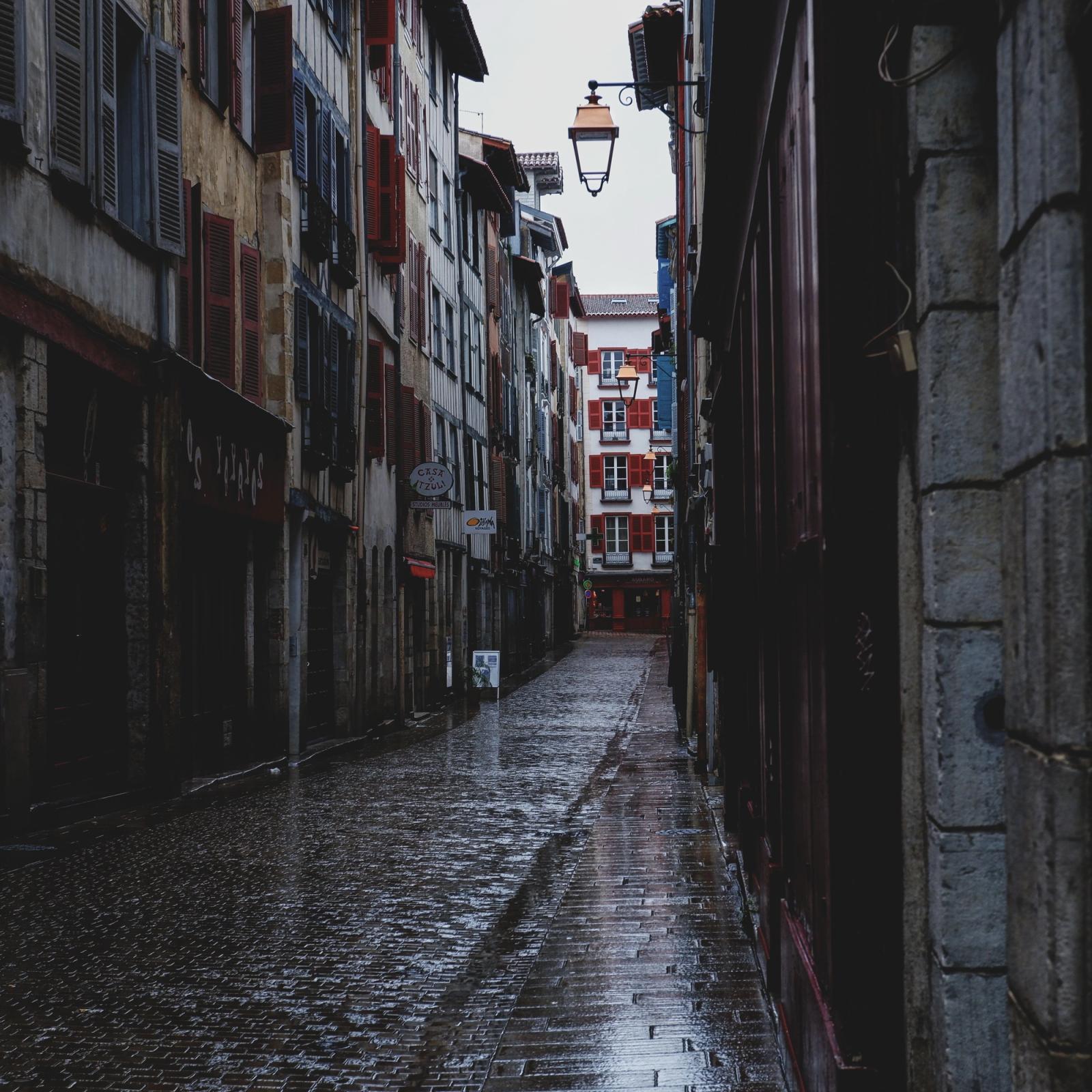
Edit with words, not masks
The AI Editing Studio brings prompt-level control to retouching. Select a region, describe the change, and the model rebuilds the pixels to match — lighting, perspective and texture included.
Object removal and inpainting
Erase distractions, extend backgrounds and fill gaps seamlessly. Inpainting respects the surrounding scene, so repairs disappear instead of standing out.
Background replacement
Drop a subject into a new setting in one step. Swap a studio sweep for a lifestyle scene, or recolour an environment to fit a campaign, while keeping the subject crisp and consistent.
The fastest path from a usable shot to the exact shot you needed.